Create your account and add a child
You need an email address you can open and a password of at least 10 characters. If someone invited you, open their invitation and use the address it was sent to.
Create account
Open Create account, enter your email and password, and continue. An invitation may take you directly to this step.

Verify email
Open the verification message and follow its link. If it is missing, check spam and confirm the address before requesting another message.
Add your child
Enter the child's display name and save. Use the name your caregivers will recognize; you can change it later.

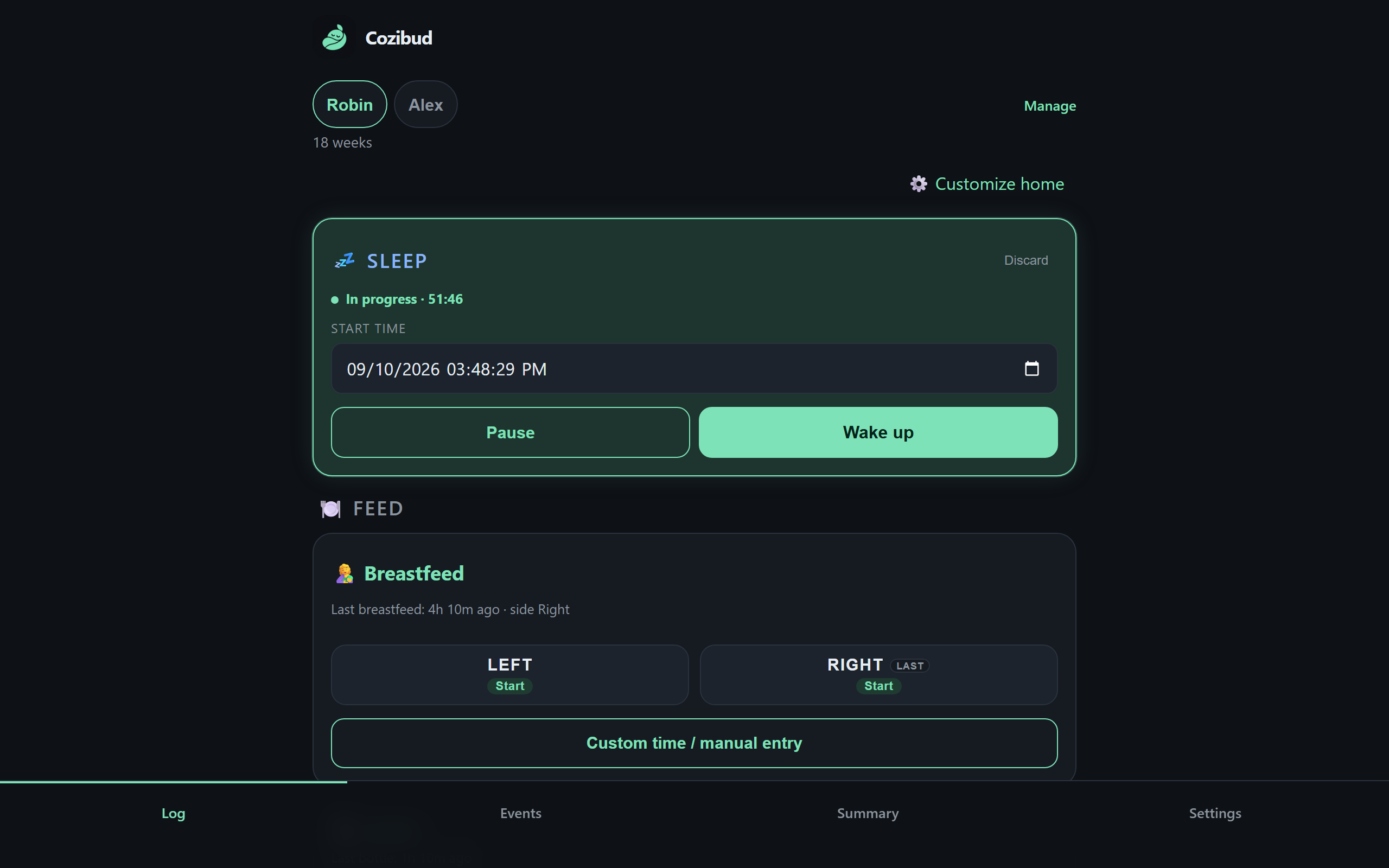
Expected result: the Home screen shows your child and the care categories you can log.
If something goes wrong
- A link can expire or already have been used. Return to the account screen and request a fresh one.
- An invitation addressed to someone else cannot be accepted with your email. Ask the household owner for a new invitation.